


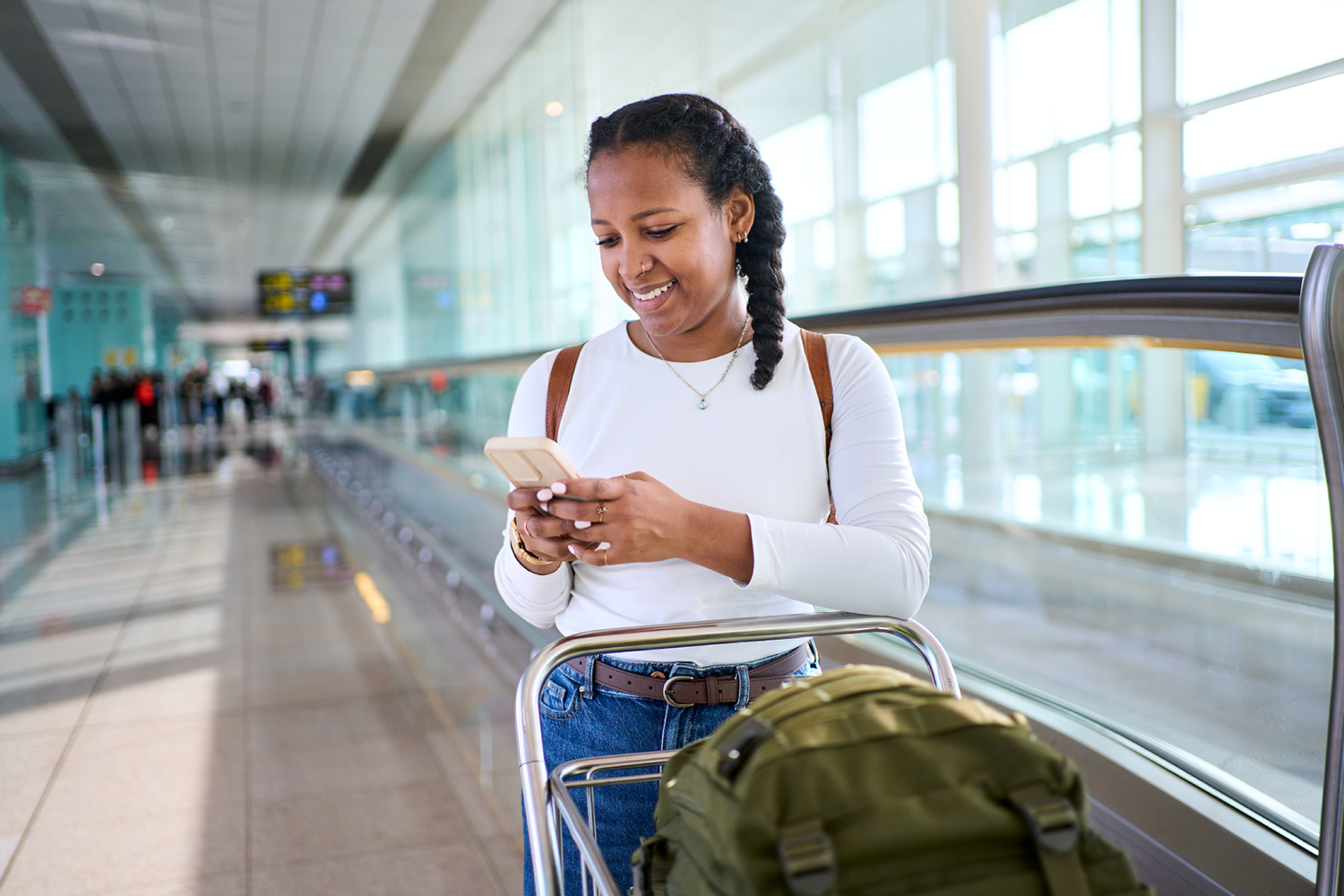
Whether you’re heading out for a summer road trip, catching a flight to a new destination, or simply working remotely from a coffee shop, staying connected is easier than ever. But traveling can also expose your personal information to cybersecurity risks if you’re not careful.
Before your next trip, follow these simple steps to help keep your data, accounts, and devices secure wherever you go.
Use a VPN on Public Wi-Fi
Public Wi-Fi networks at airports, hotels, cafes, and other venues are convenient, but they aren’t always secure. Cybercriminals can sometimes intercept data transmitted over unsecured networks.
A Virtual Private Network (VPN) creates an encrypted connection between your device and the internet, helping protect sensitive information such as passwords, banking details, and personal communications.
VPN best practices:
- Use a trusted VPN provider.
- Enable your VPN before connecting to public Wi-Fi.
- Avoid accessing sensitive accounts on unsecured networks without protection.
Store Passwords Securely with a Password Manager
Strong, unique passwords are one of your best defenses against unauthorized account access. However, remembering dozens of complex passwords can be challenging.
Password managers securely store your login credentials and generate strong passwords for your accounts. This makes it easier to maintain good security habits while traveling without relying on easy-to-guess passwords.
Benefits of using a password manager:
- Creates strong, unique passwords.
- Stores credentials securely.
- Lets you access accounts safely from multiple devices.
- Reduces the temptation to reuse passwords.
Enable Multifactor Authentication (MFA)
Even strong passwords can be compromised. Multifactor authentication adds another layer of security by requiring a second form of verification before granting access to your account.
Many popular services allow MFA using:
- Authentication apps
- Security keys
- Biometric verification
- One-time codes
With MFA enabled, a stolen password alone is often not enough for someone to gain access to your account.
Secure Your Devices Before You Leave
Your smartphone, tablet, and laptop often contain sensitive personal information. Taking a few minutes to secure your devices before your trip can help prevent problems if a device is lost or stolen.
Important security steps include:
- Updating your operating system and apps.
- Enabling screen locks and biometric authentication.
- Turning on device tracking features.
- Backing up important data.
- Reviewing app permissions.
If your device goes missing, built-in tools can often help you locate, lock, or erase it remotely.
Be Cautious with Charging Stations
Public USB charging stations can be convenient when your battery is running low, but it’s best to use your own charger and power adapter whenever possible.
Consider carrying:
- A portable power bank
- A wall charger
- Charging cables you trust
Being prepared helps reduce your dependence on unfamiliar charging sources.
Travel Smarter and Stay Protected
Travel should be about creating memories—not worrying about cybersecurity threats. By using a VPN, securing your passwords, enabling multifactor authentication, and protecting your devices, you can help keep your personal information safe wherever your summer adventures take you.
Visit your local TCC store for the latest smartphones, smartwatches, accessories, and technology solutions to help you stay connected and protected on the go.
Archived Content Notice: This article has been preserved for informational purposes. Information, pricing, promotions, and product availability may have changed since publication. Please verify current details with TCC before making purchasing decisions.